LEADERBOARD
◀
0:15
TAP THE MAP TO CHOOSE WHERE YOU SPAWN
ATLAS
:
MINIWARS
JOIN THE ATLAS COMMUNITY?
Get game updates, announcements, and event news on Discord.
Maybe later
Join Discord
ATLAS
:
MINIWARS
GRAND STRATEGY
Offline
Online
Shop
SOON
Settings
BACK
Load file
Build your own map
Read this once, then draw
Pick the ocean.
Choose the ocean size (that is the whole map size) and its colour. Everything starts as water.
Pick your brush.
Set the land colour and the brush size. Bigger brush paints wider coastlines.
Draw land.
Hold the mouse (or a finger) on the water and drag to paint continents and islands. Use the eraser to cut bays back out.
Set the spawn timer.
That is how many seconds players get to choose where they drop in before the game picks for them.
Save it.
Saving keeps the map in your map list, and you can also export a map file to load back later on any device.
Play it.
The map starts with zero countries. You spawn as one small circle and grow by claiming empty land next to your border.
Back
Continue
Back
Drag on the water to paint land
Ocean size
Ocean colour
Land colour
Brush size:
14
Brush
Eraser
Clear all land
Spawn pick seconds
Rival nations
Balanced — settle and fight
Land rush — fight hard over land
Peaceful — settle only, no wars
Passive — no settling, no wars
Custom
AI nations claim empty land
AI nations declare wars
Save to my maps
Export map file
Save and play
MAP
✕
AI Wars: ON
Difficulty
Start
BACK
ONLINE
CREATE SERVER
Host a game. You'll get a room code to share — up to 20 players can join.
JOIN SERVER
Browse public servers or enter a room code directly.
BACK
CREATE SERVER
Your Username
Server Name
Private Server
Only joinable with your room code
Max Players
−
10
+
CREATE & HOST
BACK
JOIN SERVER
Your Username
Have a room code?
JOIN
PUBLIC SERVERS
LEAVE
SERVER LOBBY
CODE
------
COPY
SELECT NATION
START ANYWAY (SOLO + BOTS)
BACK
SELECT NATION
CHOOSE YOUR COUNTRY, THEN DEPLOY
i
POPULATION
GDP
VICTORY POINTS
MANPOWER
CAP
REQUEST ALLY
WAR
×
FLAG
CAPITAL
POPULATION
GDP
MILITARY BASE
TERRITORY
RELATION
NAVAL INVASION
Manpower
-
0
+
Your manpower
CANCEL
CONFIRM
ID
LEVEL
INCOME
WARHEAD
LOW-YIELD WARHEAD
+
LAUNCH REQUIREMENTS
Launch funding
$50B
Uranium
0.6 kt
Fuel (oil)
8 kt
LAUNCH
VIEW
SUPPLY ROAD
DISMANTLING
UPGRADE
REWIRE
REROUTE
DISMANTLE
CONFIRM
CANCEL
WARHEAD DETAILS
×
WARHEAD
LOW-YIELD NUCLEAR
DAMAGE AREA
Local blast · affected terrain
REQUIREMENTS
$50B · 0.6 kt uranium · 8 kt fuel
FUEL SOURCE
Oil stockpile
DECLARE WAR
CROWNS TO ANNEX
YOUR CROWNS
CONFIRM
CANCEL
PEACE OFFER
ACCEPT
REJECT
CALL TO ARMS
JOIN WAR
STAY OUT
LOCAL CLIENT
SETTINGS
v1.3
×
High
Balanced
Low
Music volume
Applies only to this browser client.
100%
Warnings
Show alerts and battle notifications locally.
Night time
Darkens the world with a moving day/night shadow.
AI building limit
Let AI nations keep building past the usual territory-based cap.
QUALITY NOTICE
0
0
0
0
0
0
0kt
0kt
0/0
CONSTRUCTION
REGIME
Effects while in power
APPLY
ADD
EMPIRE & FLAG
Nation / Empire Name
REPUBLIC
EMPIRE
FOUND EMPIRE
Revert to Country
Colors
Pattern
Icon
Perks
SAVE
DIPLOMACY
All
War
Allies
Neutral
MOVE TO POSITION, CLICK TO LOCK, THEN CONFIRM
 0
0 0
0 0
0 0
0 0
0 0
0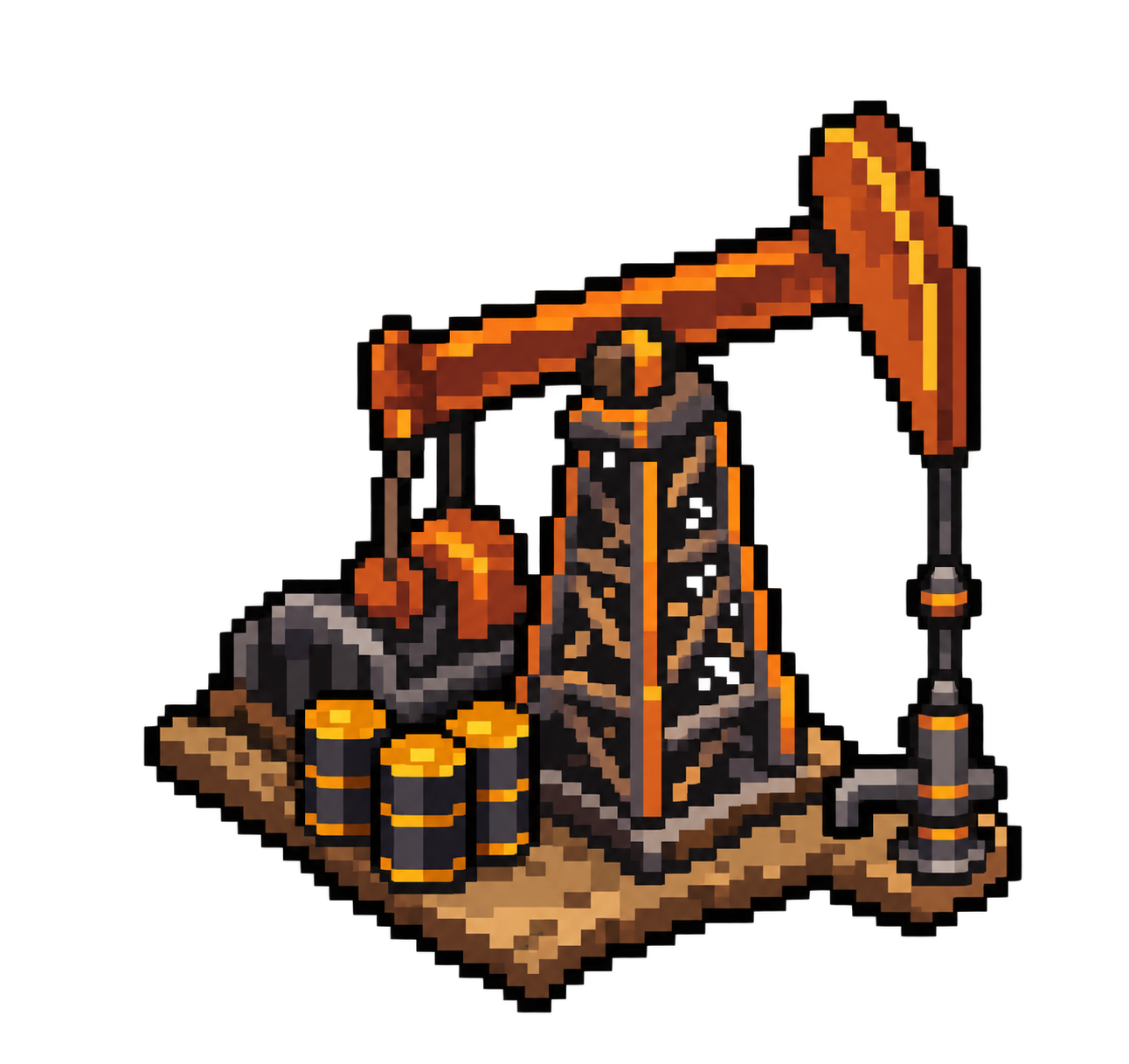 0kt
0kt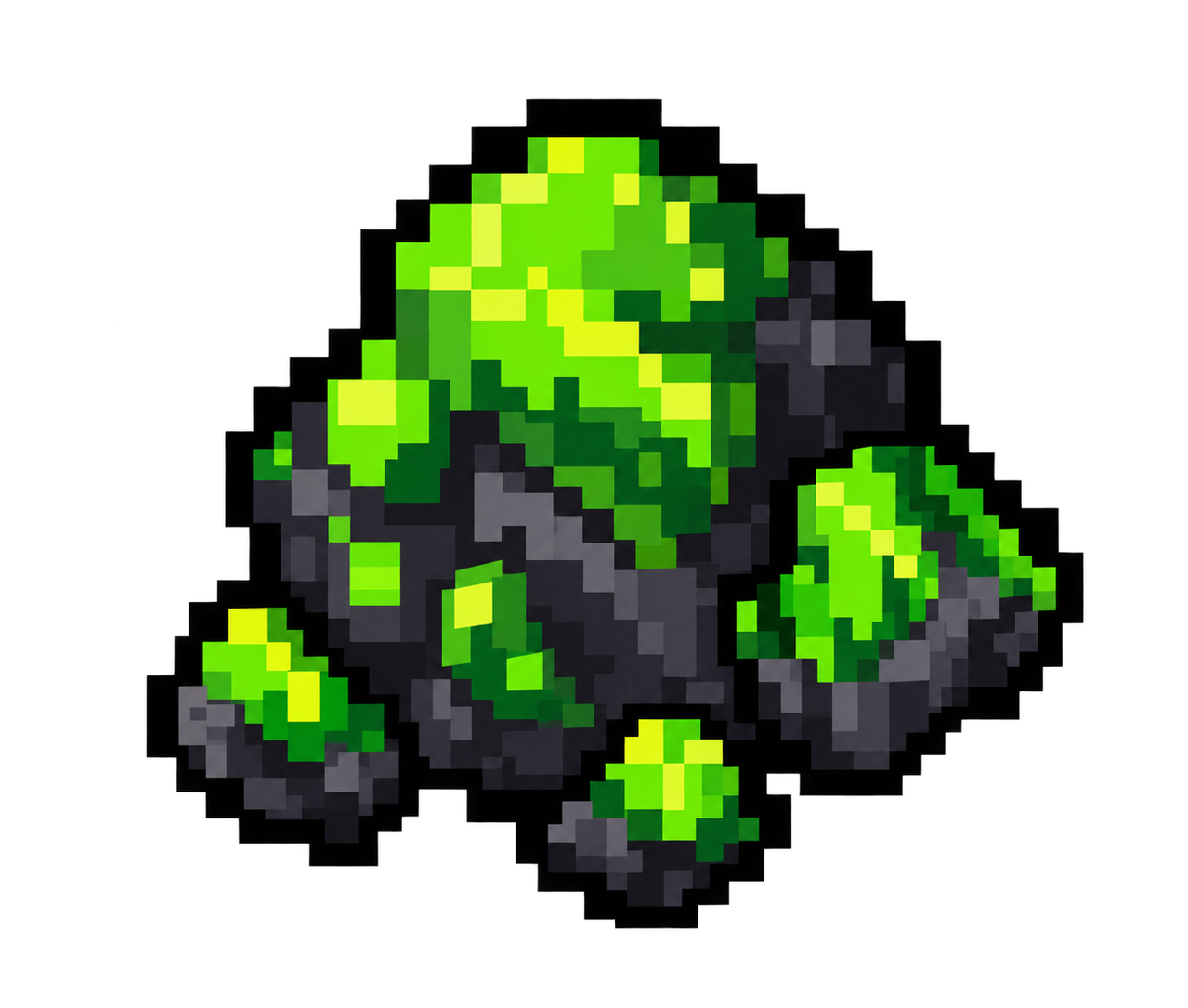 0kt
0kt